
.png)

Free Alphabet Posters for your Classroom (Editable Canva Templates)

Today, I would like to acknowledge the Yuggera people as the Traditional Owners of the beautiful land I am standing on today. From the mountains to the river, I open my heart and my eyes as I walk this land, listening, learning and caring for Country. I want to extend this respect to Elders; past, present and emerging and to all First Nations peoples reading this post today. We are all remembered here.
Just so you know, this post does contain sponsored content through the use of affiliate links, my proud partnerships and my own products and resources and I want to thank each of you for continuing to use my affiliate links to support the work I do. As you know, each blog post is based on my own experiences, opinions, and what I have been taught, and does not represent all First Nations peoples or Communities. Please remember that, connecting with your local First Nations Community is always the most respectful way for you to embed First Nations content specific to your area.

As a Canva Creator, I design templates for teachers every week - and today I'm sharing two of my favourites with you, free with Canva Education: editable Alphabet Poster templates you can grab right now in Canva Education and have ready for your classroom in minutes.
If you're tired of generic, boring alphabet charts (we've all seen one too many "v is for volcano" posters), these give you a chance to change anything you like and make them completely custom made for your classroom and students.
All 3 of these templates are fully editable in Canva - change the colours, fonts, photos or wording to match your classroom theme, your students, or just your own style. No design skills needed, and no waiting around: open the template, edit, download, print. So easy!
Grab these free Alphabet Poster templates
Click through, hit "Use this template" in Canva Eduaction or Pro, and you've got your own editable copy ready to personalise (free with Canva Education):

Dinosaur Alphabet Poster (cute style) - playful dinosaur theme, great for younger learners.
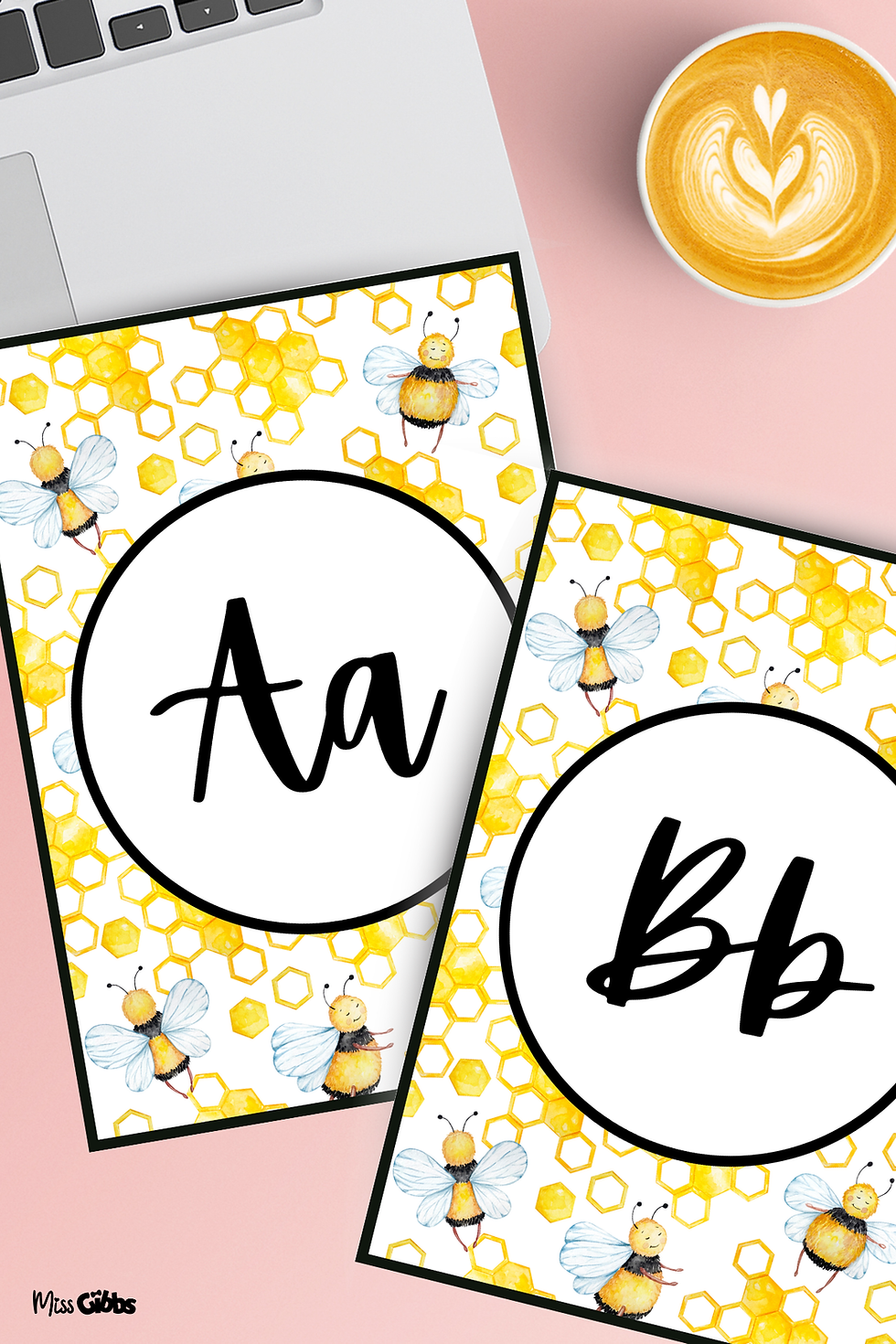
Bee Alphabet (watercolour style) - soft watercolour style, lovely for a calm classroom or slightly older grades (year 1 & 2).
Composition Classroom Alphabet Posters - clean, modern composition-book style, great for a tidy, cohesive classroom display.
Once you've duplicated one, swap in your own colours, photos, names or wording to make it truly yours (see the personalising tips below). Not on Canva Education yet? No worries - see the "Don't have Canva, no worries!" section below for how to get set up.
Want more freebies? These templates are just two of the designs I've published as a Canva Creator. Hop over to my Canva Creator profile to see everything else I've made - new designs get added regularly, so it's worth a follow.

Where can I find backgrounds for my Alphabet poster?
If you are looking for something general, you can of course find quite literally hundreds of free backgrounds on Canva. However in this instance, for me I like to use something that is meaningful to my students and children.
* Please remember if you are using murals or images of an artist's artwork, make sure you have permission to use these images in the way you are intending prior to creating your resources. The artist must also have been paid for their time and talents in creating this artwork and also supplying you with a licence for you to use the image in the way you are intending. It is never ok to take a photograph or copy an artists artwork and use it without their permission or without paying them for the rights to use their work.
Want to design your own from scratch?
If you'd rather build a poster from the ground up instead of starting from a template, here's exactly how I do it - no design experience needed!
Open Canva and start a new design - search "Poster" or set a custom size (A4 or Letter both work well for printing).
Choose a background that means something to your students - a colour, pattern, or even a photo (see the section above on meaningful backgrounds).
Add your big letter - pick a bold, friendly font and place the letter prominently. Repeat this for each letter of the alphabet, or just start with the ones you need most.
Add a matching word and image - e.g., "Aa is for Apple," with a simple icon or photo. Canva's built-in elements library has thousands of free icons to search from.
Personalise it - swap in a class photo, your child's artwork, or their name. This is the step that makes it yours, not just a generic poster.
Download and print - export as PDF for the best print quality, then laminate if you want them to last.
Once you've made one, duplicate the page in Canva and just swap the letter/word/image for the next one - it goes much faster after the first.

Don't have Canva, no worries!
If you don't have Canva yet then don't worry! Did you know Canva is actually free for teachers? Yes, that's right! If you are a teacher just head over to Canva Education to get verified and start using Canva Pro for free with an educator account, plus all of the interactive education resources Canva has to offer at no cost to you.
If you are not a teacher or if you want to use Canva for business or other purposes, feel free to use my Canva Pro affiliate link to score yourself a free trial of Canva Pro and see if you love it as much as I do. I always like to try things out before I fully commit to buying them but I just know you will adore all that this incredible platform has to offer you and your little learners!

Using your Alphabet Posters at home (for parents & homeschoolers)
These posters aren't just for the classroom - they work just as well as a learning display at home! A few easy ways to get the most out of them:
Letter of the day: Pop a poster up at your child's eye level and spend a few minutes each day talking about that letter - its sound, words that start with it, and objects around the house that match.
Make it personal: Just like in the classroom version, swap in a family photo, your child's artwork, or their favourite colours. Kids engage so much more with displays that feel like theirs.
Print and laminate for durability: If you're printing at home, laminating (or using clear adhesive sheets) means little hands can use them again and again - great for sticking on a fridge, bedroom door, or a "learning corner" wall.
Portable learning: Print smaller versions and pop them in a binder or display book for car trips, waiting rooms, or travel - handy for keeping learning going on the go.
Involve your child in customising: Even young children can help choose colours or stickers in Canva (with you driving). It's a lovely shared activity and gives them ownership over their own learning space.

Want to deck out your classroom with matching classroom decor?
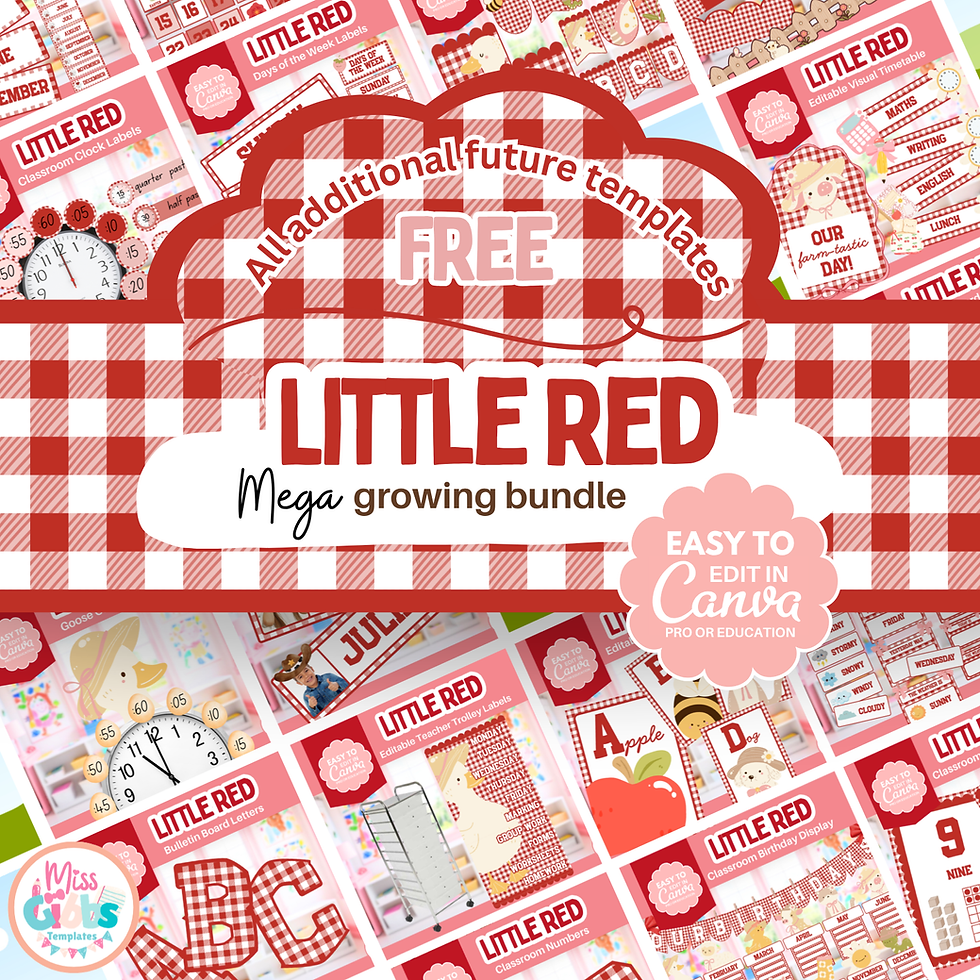
These free templates are just a taste! If you love these styles and are looking to deck out your classroom with matching posters, labels, borders and classroom organisation you dreamed of already done for you - check out the Classroom Cuties Mega Growing Bundle and my Little Red MEGA Growing Bundle on Etsy. They are fully editable in Canva, just like these freebies, and because they are growing bundles, every new addition I make gets added to yours for free, forever.
Free VIP email list
Loved these templates and want to be first in line for what's next? Join my FREE VIP email list and you'll get new templates, teaching resources and blog posts sent straight to your inbox - plus first access and exclusive offers when I add new items to the Classroom Cuties Mega Growing Bundle and release new Growing Bundles. Our community is growing every day, and joining costs nothing - click here to sign up.
Thank you and comments
I hope you have enjoyed this post and the Alphabet Posters as much as I have enjoyed creating it for you! I would love to hear in the comments your suggestions for any other templates you would like to see and please remember to share your customised posters with us too on here or in our FB group Canva For Teachers and I will be sure to share them.
Thank you so much for spending this time with me and as always, happy embedding!



.png)


Dank u voor het delen van deze inzichten. De groei van online diensten toont hoe technologie nieuwe mogelijkheden creëert. Aanvullende achtergrondinformatie over dit onderwerp is te vinden op de website. Dit perspectief is bijzonder interessant.